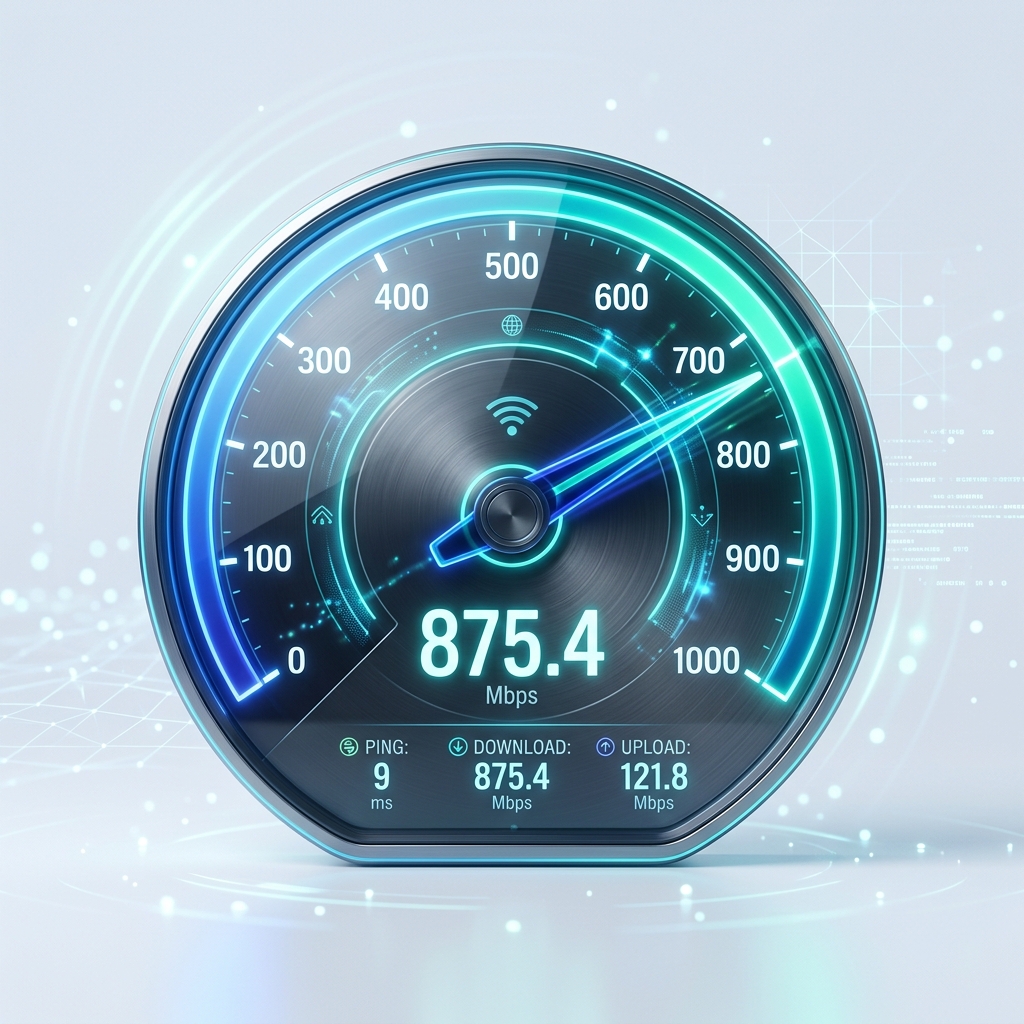
How a Speed Test Works
A speed test measures your internet connection's performance by simulating data transfers between your device
and a nearby server. It calculates how much data can be transferred in a set amount of time and how long it
takes for a signal to travel back and forth.
Our tool performs three critical measurements: Latency (Ping), Download
Speed, and Upload Speed. By testing all three, you get a complete picture of
your connection quality, whether you're streaming 4K video, attending video calls, or gaming online.
Download Speed
The rate at which data is transferred from the internet to your device. This is the most important
metric for streaming, browsing, and downloading files.
Upload Speed
The rate at which data is sent from your device to the internet. Crucial for video calls, posting to
social media, and sending large emails.
Ping (Latency)
The time it takes for a small packet of data to travel to a server and back. Lower is better,
especially for online gaming and VOIP calls.
Download vs. Upload Speed
Most internet connections are "asymmetrical," meaning they offer faster download speeds than upload speeds.
This is because the average user spends much more time consuming content (watching movies, scrolling social
media) than creating it (uploading videos, sending large files).
Download Speed
This is how quickly your connection can fetch data from the internet. It affects everything from
loading a web page to streaming a high-definition movie on Netflix.
- Video streaming (HD/4K)
- Downloading large apps/games
- General web browsing
Upload Speed
This is how fast you can send data from your device to others. It is critical for maintaining
high-quality video during calls and for work productivity.
- Zoom/Tems video conferencing
- Posting videos to YouTube/Instagram
- Sending large email attachments
What are Ping and Jitter?
While speed is measured in bits per second, the "quality" of your connection is measured in milliseconds.
Ping and Jitter are the primary metrics for determining how responsive your connection feels.
Ping (Latency)
Ping represents the delay in your connection. It is the time it takes for a "packet" of data to go
from your device to a server and back. In gaming, high ping causes "lag," where your actions appear
delayed.
Ideal:
< 30ms | Average: 30-100ms | Poor: > 150ms
Jitter
Jitter is the variation in your ping over time. If your ping jumps between 20ms and 200ms, your
connection has high jitter. This leads to stuttering in video calls and "teleporting" in online
games.
Ideal:
< 5ms | Average: 5-20ms | Poor: > 30ms
How Much Speed Do You Need?
The speed you need depends entirely on your online activities. Use the table below to see if your current
connection meets your specific requirements.
| Activity |
Minimum Speed |
Recommended Speed |
| Basic Web Browsing |
1 Mbps |
5 Mbps |
| HD Video Streaming (1080p) |
5 Mbps |
10-15 Mbps |
| 4K Ultra HD Streaming |
25 Mbps |
50+ Mbps |
| Online Gaming (Low Lag) |
3 Mbps |
25 Mbps (Focus on Ping) |
| Working from Home / Zoom |
10 Mbps |
25+ Mbps (Symmetric) |
Tips to Improve Your Speed
If your results are lower than expected, try these simple steps to boost your connection:
-
Restart Your Router: Often clears temporary glitches.
-
Move Closer to WiFi: Signal strength drops with distance and walls.
-
Use Ethernet: Wired connections are always faster than WiFi.
-
Close Background Apps: Stop unused apps from eating your bandwidth.
Top Factors Affecting Your Results
Your speed test results can vary depending on several factors. Understanding these can help you optimize your
connection for better performance.
Hardware Limitations
Older routers, outdated network cards, or underpowered devices can bottleneck your speed. Even if
your ISP provides 1 Gbps, an old laptop might only reach 100 Mbps.
WiFi vs. Ethernet
WiFi signals degrade through walls and interference from other devices (like microwaves). For the
most accurate and fastest results, always use a wired Ethernet cable.
Network Congestion
Speeds often drop during "peak hours" (usually evenings) when more people in your neighborhood are
online. Testing at different times can help identify these patterns.
MOBICELL Platform
Launch Your Own Fintech Platform Today
Join 500+ businesses that trust MOBICELL for mobile recharge, bill payments, AEPS, money transfer, and 20+
digital services.